
Top Real Estate Property Floor Plan Tools for Every Need

Creating accurate and visually appealing floor plans is essential in the real estate industry. Whether you are a real estate agent, architect, or property developer, having the right software can make a significant difference in showcasing properties effectively. This article explores the top property floor plan tools available today, highlighting their features, usability, and suitability for different types of projects.
Why Choose the Right Property Floor Plan Tools?
Selecting the right property floor plan tools can save time, reduce errors, and enhance communication with clients and contractors. These tools allow users to create detailed layouts, visualize spaces in 3D, and customize designs to meet specific requirements. Here are some key benefits:
Improved accuracy: Digital tools reduce manual drawing errors.
Enhanced visualization: 3D models help clients understand space better.
Time efficiency: Templates and drag-and-drop features speed up the design process.
Easy sharing: Export options allow seamless sharing with stakeholders.
Choosing software that fits your workflow and technical skills is crucial. Some tools are beginner-friendly, while others offer advanced features for professionals.
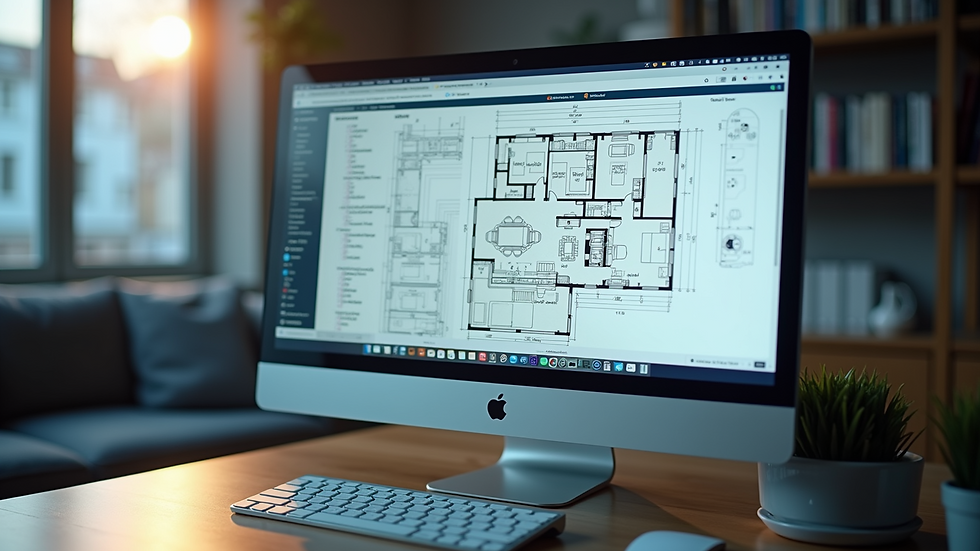
Top Property Floor Plan Tools to Consider
Here is a curated list of some of the best property floor plan tools available, each with unique strengths:
1. SketchUp
SketchUp is a versatile 3D modeling software widely used in real estate and architecture. It offers an intuitive interface and a vast library of pre-built models.
Pros: Easy to learn, strong community support, extensive plugins.
Cons: Free version has limited features, can be resource-intensive.
Best for: Professionals needing detailed 3D models and customization.
2. RoomSketcher
RoomSketcher is a user-friendly tool designed specifically for creating floor plans and home designs.
Pros: Drag-and-drop interface, 3D visualization, mobile app available.
Cons: Some advanced features require a subscription.
Best for: Real estate agents and homeowners looking for quick, attractive floor plans.
3. Floorplanner
Floorplanner allows users to create interactive floor plans with ease. It supports both 2D and 3D views.
Pros: Web-based, no installation needed, easy sharing options.
Cons: Limited free version, some features locked behind paywall.
Best for: Quick floor plan creation and online collaboration.
4. AutoCAD Architecture
AutoCAD Architecture is a professional-grade software tailored for architectural design.
Pros: Industry-standard precision, extensive toolset, supports BIM workflows.
Cons: Steep learning curve, expensive licensing.
Best for: Architects and developers requiring detailed technical drawings.
5. HomeByMe
HomeByMe is an online 3D home design tool that allows users to create floor plans and furnish spaces virtually.
Pros: Realistic 3D rendering, easy to use, free basic plan.
Cons: Limited export options in free version.
Best for: Interior designers and real estate marketers focusing on staging.

How to Choose the Best Software for Your Needs
When selecting a property floor plan tool, consider the following factors:
Purpose: Are you creating simple layouts or detailed architectural plans?
Skill level: Choose software that matches your technical expertise.
Budget: Free tools are great for beginners, but paid versions offer more features.
Platform: Decide if you prefer web-based tools or desktop applications.
Collaboration: Look for options that allow easy sharing and teamwork.
For example, if you are a real estate agent needing quick, attractive floor plans, RoomSketcher or Floorplanner might be ideal. For architects, AutoCAD Architecture or SketchUp offers the precision and features required for complex projects.
Tips for Maximizing Your Use of Property Floor Plan Tools
To get the most out of your chosen software, keep these tips in mind:
Start with templates: Many tools offer templates that save time and provide design inspiration.
Use layers: Organize different elements like walls, furniture, and electrical plans on separate layers.
Leverage 3D views: Presenting 3D models helps clients visualize the space better.
Regularly update your skills: Software updates and tutorials can improve your efficiency.
Export in multiple formats: Save your plans as PDFs, images, or CAD files depending on your needs.
By following these recommendations, you can create professional-quality floor plans that impress clients and streamline your workflow.
Exploring the Benefits of Using Real Estate Floor Plan Software
Using specialized real estate floor plan software can transform how properties are marketed and developed. These tools integrate features tailored to the real estate industry, such as:
Interactive floor plans that allow potential buyers to explore properties virtually.
Measurement tools that ensure accuracy in dimensions.
Customization options to highlight unique property features.
Integration with listing platforms for seamless marketing.
Investing in the right software not only enhances your presentations but also builds trust with clients by providing clear and detailed property information.
Future Trends in Property Floor Plan Tools
The landscape of property floor plan tools is evolving rapidly. Here are some trends to watch:
Augmented Reality (AR): Enabling clients to walk through virtual spaces using smartphones or AR glasses.
Artificial Intelligence (AI): Automating design suggestions and error detection.
Cloud collaboration: Real-time teamwork on floor plans from different locations.
Sustainability features: Tools that help design energy-efficient and eco-friendly buildings.
Staying updated with these trends can give you a competitive edge in the real estate market.
Choosing the right property floor plan tools can elevate your real estate projects, making them more attractive and easier to understand. Whether you prefer simple drag-and-drop interfaces or advanced architectural software, there is a solution tailored to your needs. Explore the options, try demos, and invest in tools that enhance your workflow and client satisfaction.


Comments